Levels
Overview
The Level is used to organize level objects, which contains all contents that the players can see, such as Geometry, Pawn, and Actor. Each Level is saved as a separate .fmap file, which sometimes is also known as a map.
Creating Levels from Template
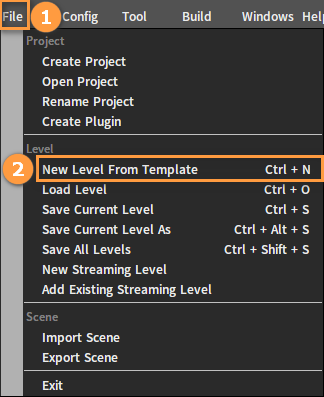
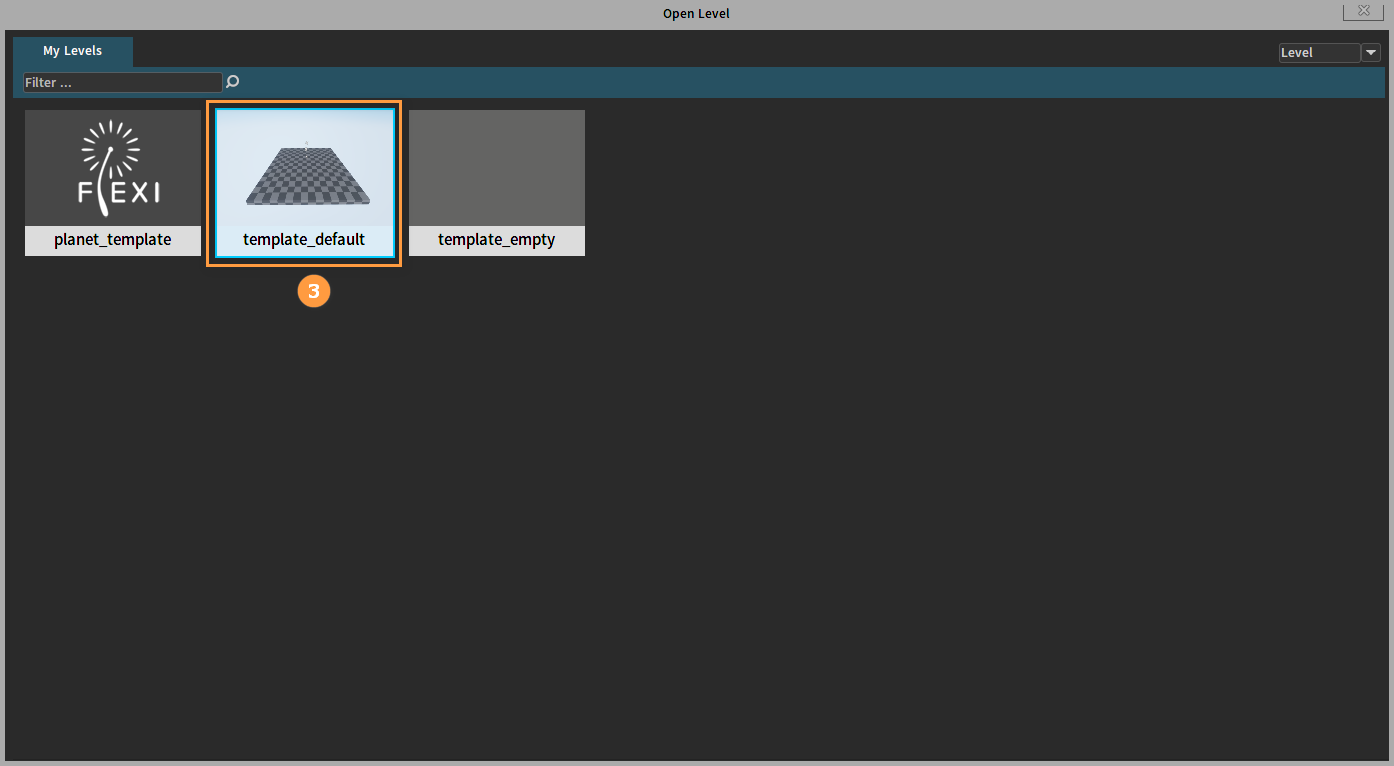
You can open a new level from the existing Flexi Editor built-in templates, click File -> New Level From Template, and then double-click a template to load it.
Loading Levels
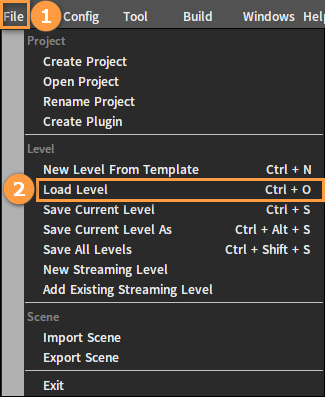
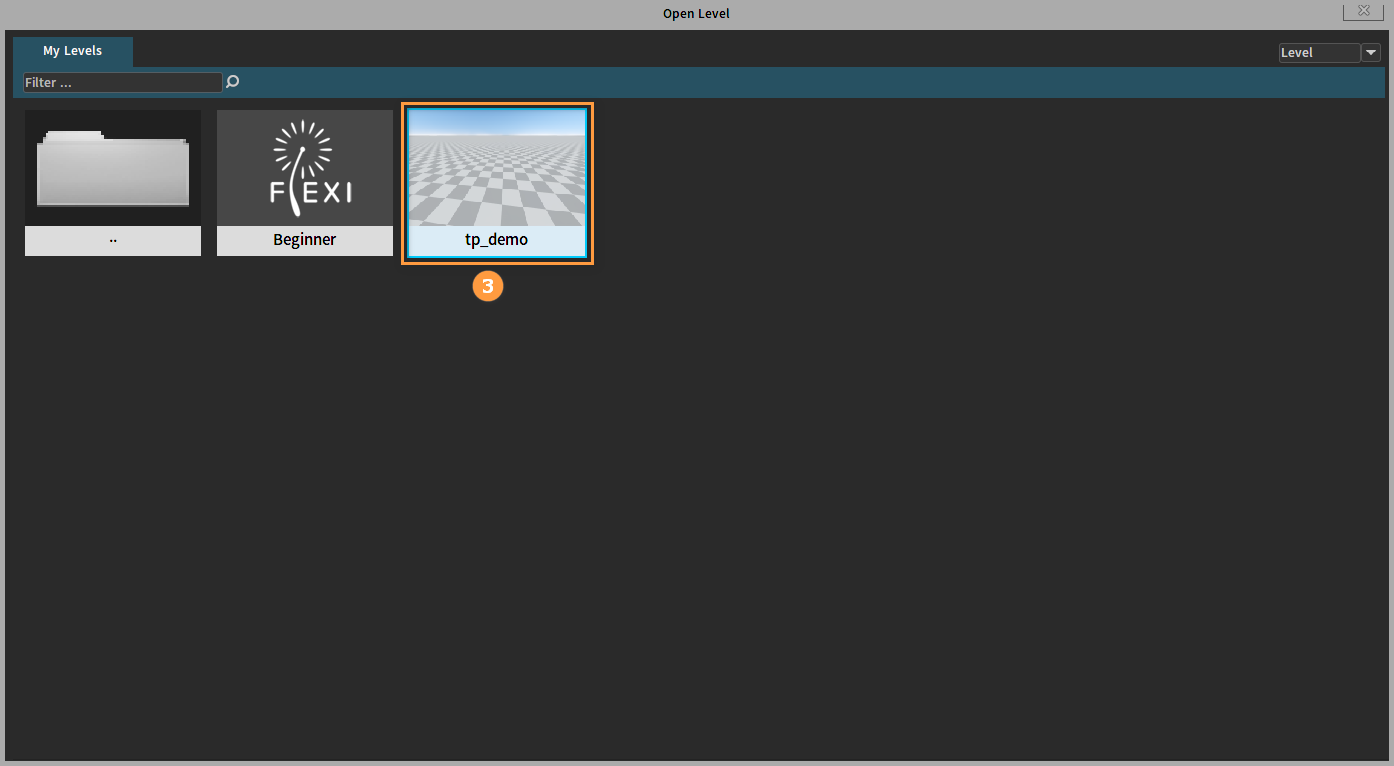
To Load level is to open the created level from the Project, click File -> Load level to pop up the Open Level window. Select a level, and double-click to enter.